
From the online portal you can book a new job on Master Gas and allocate that to an engineers device for them to complete.
To add a new job:
1. When logged in to the online portal select Jobs from the navigation menu on the left. 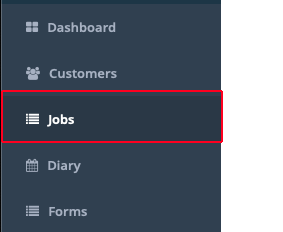
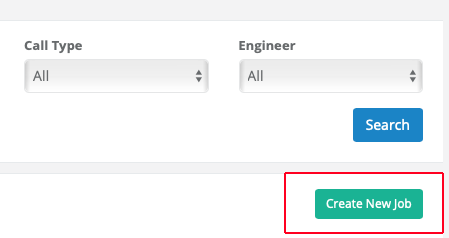
2. Click "Create New Job" on the right side above the existing Jobs list.
3. If you have the customer already in the system you can click on Select Customer Address, find the customer in the list of customers. This will populate the customer details section (Name/Address/Postcode)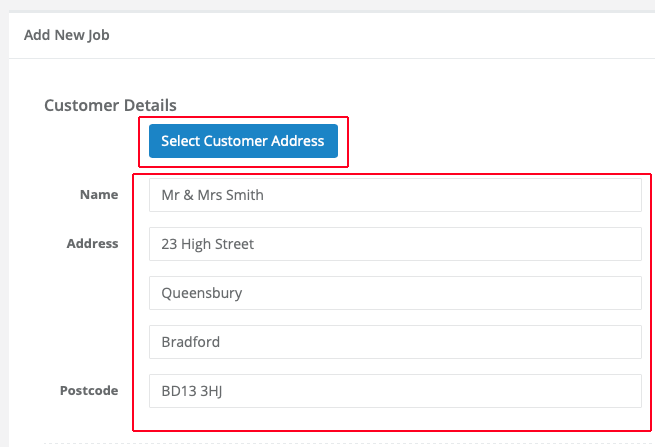
4. You now need to complete the Job Address, normally this is the same as the Customer Details address so you can tap the "Copy From Customer Address" option. If it is a different address, such as a Landlord's property you can select from Site Addresses or simply type in the details.
5. Select a Call Type from the list.
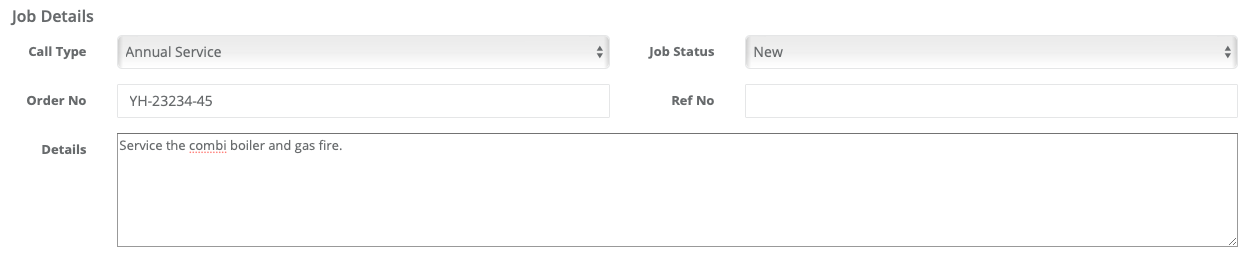
6. Job status is normally left as New when entering a new job.
7. Complete any other relevant job details (Order No/Ref No and Details of the job).
8. Complete the Job Allocation section, Visit Date, Start and End Time. If you know the engineer you will be allocation the job too you can select them now from the engineer list, or you can assign the engineer later.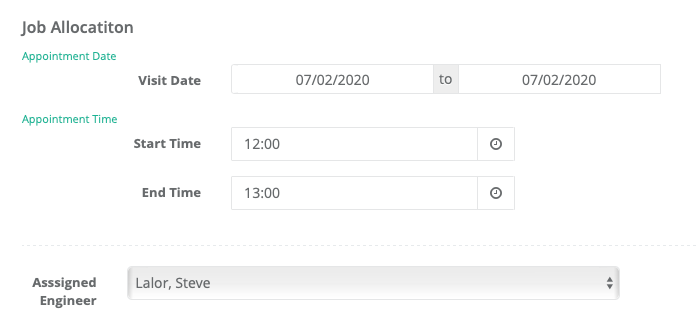
9. Click on the Save Button to save the new job.
Comments