
1. You should have received an email from TestFlight which contains a link to download an app called Test Flight. Please download the TestFlight app to your device.
2. Open TestFlight and then next to the Master Gas app tap install.
3. You will now have a new version of Master Gas installed on your device called MG Beta. Open the and use your email and the password you provide me to login.
4. When you are logged in tap the sync button on the top right
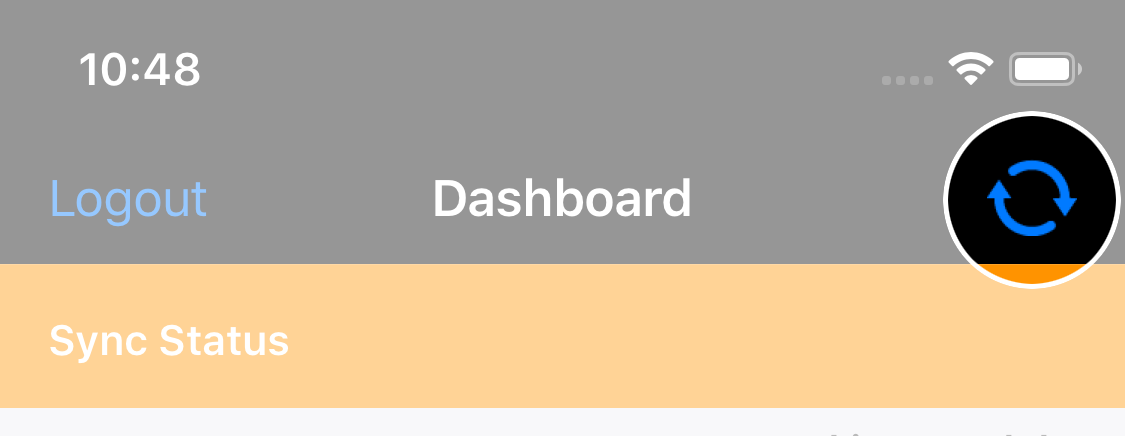
5. When the sync is complete the text “Full Sync Complete” will be displayed in the orange bar at the top of the dashboard.
5. When the sync is complete the text “Full Sync Complete” will be displayed in the orange bar at the top of the dashboard.
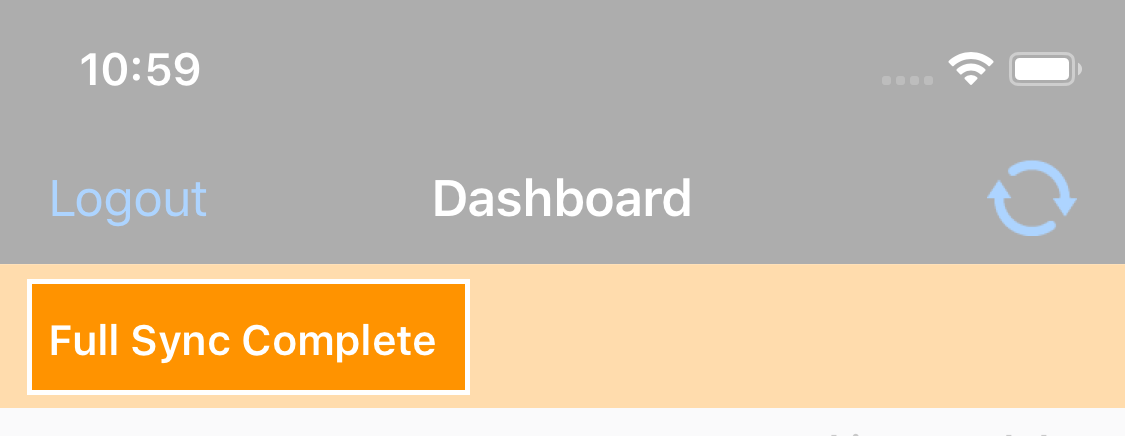
Now you can start using the app.
When we release updates you will get an email asking to update the app in TestFlight. We are using this as it allows us to send fixes out quicker.
You can logout out of the old Master Gas, please go to Settings and scroll to the very bottom and tap logout. You should only enter data in the new Master Gas from now on.
Portal Access
===========
To login on the portal here is the link
Use the same login details as you use for the app.
Comments